

AB Loop Studio Use Cases
Focused practice for musicians, students, teachers, and creators.
AB Loop Studio helps people repeat the exact section that matters, compare against a reference, track progress, and turn practice into something visible and measurable.
Musicians
Students
Coaches & Teachers
Content Creators
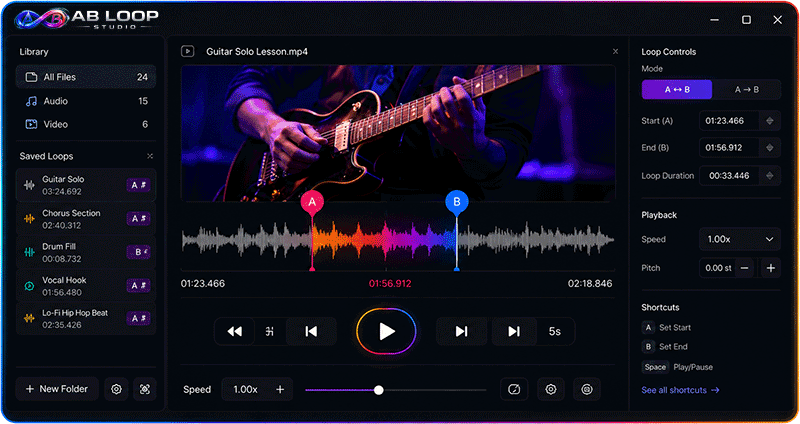
Loop the exact moment
Stop replaying entire files. Set A and B points around the part that actually needs work.
Compare against the reference
Use side-by-side comparison to see what changed, what improved, and what still needs attention.
Track real progress
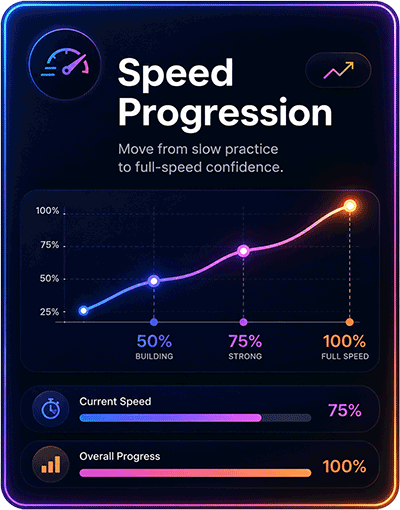
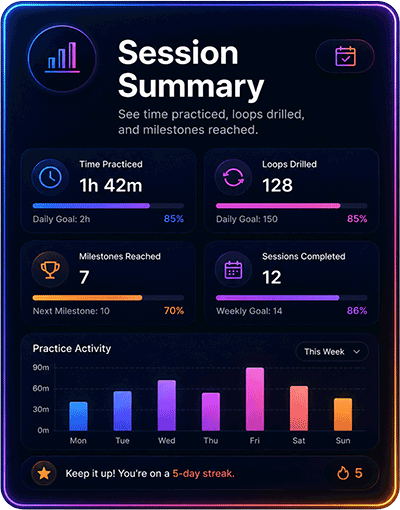
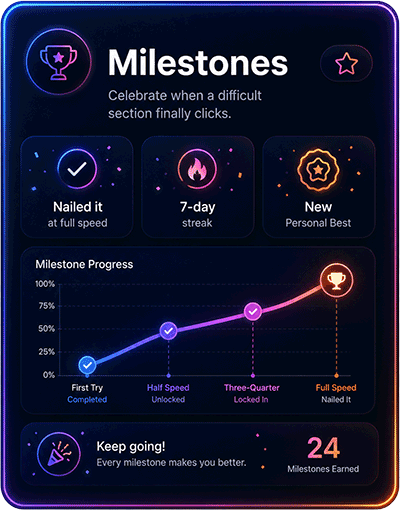
Measure sessions, loops, speed progress, and milestones instead of guessing whether practice is working.
For Musicians
Practice difficult passages until they finally lock in.
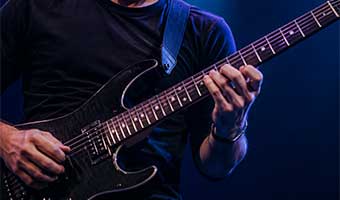
Musicians can isolate solos, riffs, transitions, rhythm changes, tricky phrases, and performance sections instead of replaying the full track every time.
- Loop guitar solos, vocal phrases, drum fills, or piano passages
- Slow the section down and build back toward full speed
- Compare your take against the original reference
- Track progress across repeated practice sessions
For Students
Turn lessons, lectures, and study clips into repeatable learning.
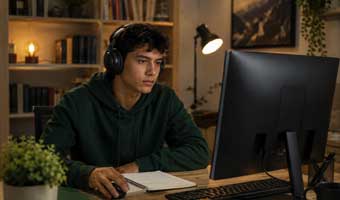
Students can loop the parts of a lecture, tutorial, language lesson, or training video that need more attention instead of passively watching the same content again.
- Repeat hard-to-understand explanations
- Loop language pronunciation and listening sections
- Review training clips without losing your place
- Use session history to see what you focused on
Practice becomes visible
The same system adapts to different workflows.
Whether someone is practicing music, studying a lesson, coaching a student, or reviewing content, the core loop is the same: isolate the section, repeat it, compare it, and track progress.
For Coaches & Teachers
Give students a practice path they can actually follow.
Teachers can create structured Practice Packs so students know exactly what to drill after the lesson ends.
- Build loop-based assignments
- Add notes and practice targets
- Guide students through specific problem areas
- Turn lessons into repeatable follow-through

For Content Creators
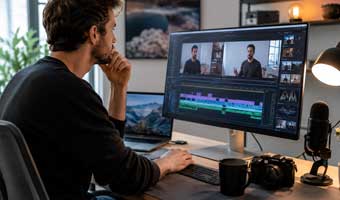
Review timing, reactions, takes, and reference material faster.
Creators can loop specific moments in podcasts, lessons, videos, interviews, tutorials, and reference clips without turning the workflow into a full editing session.
- Review takes and timing without scrubbing endlessly
- Compare your delivery against a reference clip
- Loop key parts of an interview, lesson, or script
- Study reactions, pacing, cuts, and transitions
For language learners
Loop pronunciation, listening exercises, conversations, and sentence patterns until they become natural.
For editors and reviewers
Study timing, transitions, clips, takes, and reference material without opening a full production suite.
For skill training
Repeat training clips, demonstrations, breakdowns, and instruction sections until the process is clear.
Start practicing with precision
Use AB Loop Studio for the exact section that needs work.
Download AB Loop Studio for Windows and start practicing with focused loops, side-by-side comparison, and measurable progress.